Grow is a CRM (Customer Relationship Management) platform built specifically for STRONG Pilates studios. Every STRONG Pilates location has its own Grow account where leads, communications, and automations are managed.
If Core is where the studio operates (bookings, check-ins, memberships), Grow is where the studio communicates (SMS, email, lead follow-up, nurture sequences, campaigns).
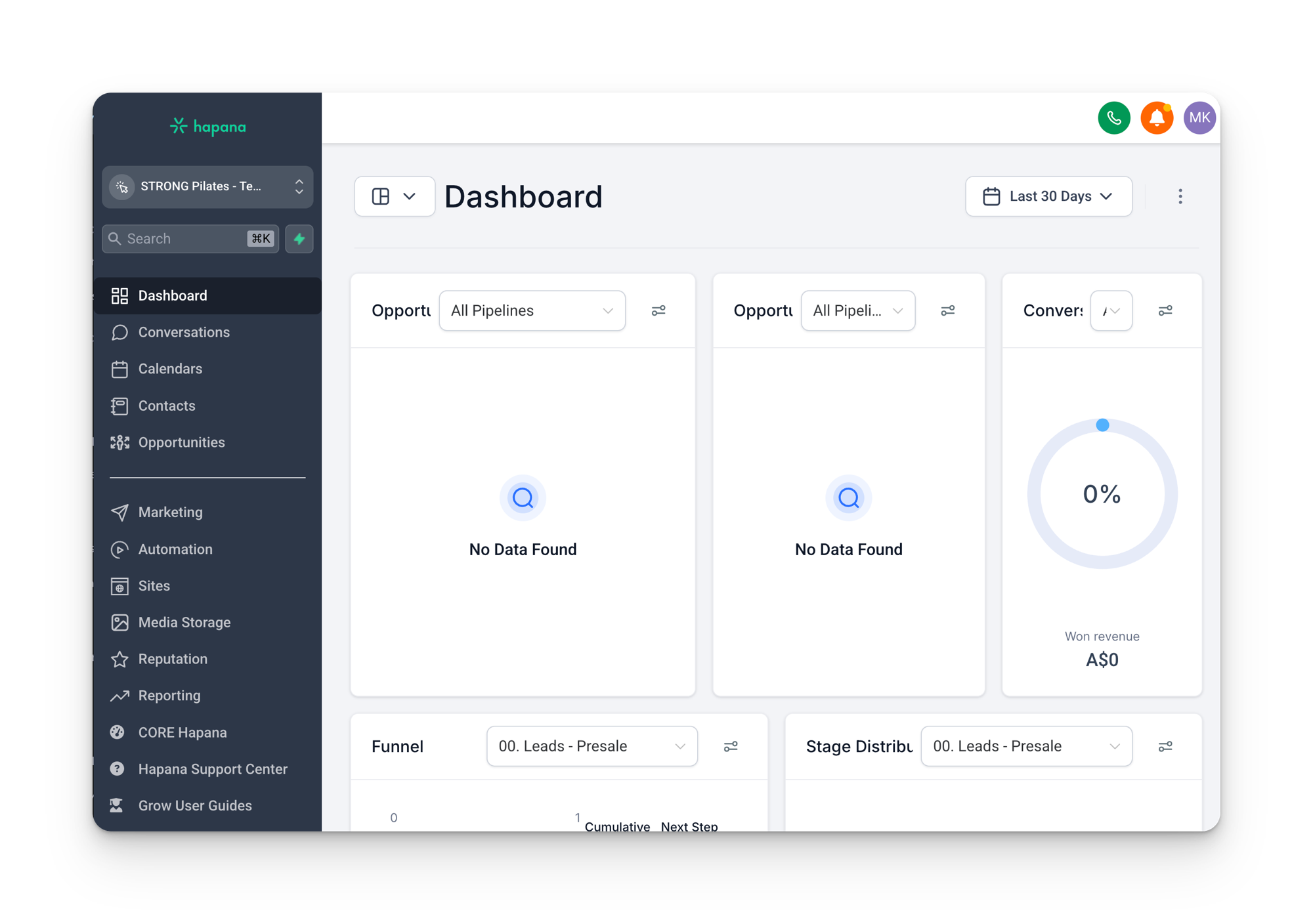
What Grow handles
- Lead management: capturing and tracking every person who shows interest in a studio
- Pipelines: visual boards that show where each contact sits in their journey (lead, trial, member)
- Automated communication: SMS and email sequences that fire based on what a contact does (or doesn’t do)
- Workflows: the automation engine that moves contacts through pipelines, sends messages, and triggers actions
- Campaign rollouts: promotional offers that get deployed across multiple studios at once
The template account
STRONG Pilates doesn’t build workflows from scratch for each of its 142+ locations. Instead, everything is built inside a single template account. This is the master blueprint that contains all the workflows, email templates, SMS snippets, pipelines, and automation logic.
When a new studio opens or a campaign launches, the relevant pieces from the template get deployed (via a “snapshot”) to each individual studio account. This means every location runs the same system, with minor adjustments for things like currency, region, and WhatsApp availability.
Why this matters
Because every studio runs from one central template, the workflows, emails, and automations are built and maintained centrally, not inside your individual account. If something is not behaving the way you expect, that is why changes go through support rather than being edited studio by studio.
Need more help?
This guide covers the day to day of Grow. If you are still stuck, or something is not behaving the way it should, support is one email away. Email grow@strongpilates.co and the team will help you sort it out.
How to send a support request that gets solved fast
The clearer your email, the quicker it gets fixed. Try to include:
- Your studio name. So the team knows exactly which account to open.
- What is happening. A plain description of the problem, and what you expected to happen instead.
- Where it is happening. The contact, workflow, pipeline, or page involved. Copy the link straight from Grow and paste it in wherever you can, so the team lands on the exact spot.
- A screenshot. If something looks wrong on screen, a picture saves a lot of back and forth.
- When it started. If it used to work, roughly when it changed.
A request like “STRONG Coffs Harbour: this contact (link) is stuck in the Day 2 column and should have moved after their second visit” gets actioned far faster than “a member isn’t showing up right.”